Write It Right: a Little Blacklist of Literary Faults book summary
Ambrose Bierce examines words and expressions that he considers misleading, redundant or ill chosen. An introductory statement of his aims leads into an alphabetical blacklist, where examples of faulty usage are followed by distinctions, corrections and sharp comments. He questions fashionable phrases, inflated language and habits that obscure what a writer intends to say. Published in 1909, this concise manual combines advice on precision with the personal tastes and satirical voice of its author.
Write It Right: a Little Blacklist of Literary Faults at a glance
- Level
- C1
- Language
- English
- Pages
- 39
- Words
- about 12,392
- Unique words
- 2,841
- Estimated reading time
- 50–83 minutes
- Formats
- EPUB and PDF
Reading time is an estimate at 150–250 words per minute.
Why this book is useful for C1 English learners
Write It Right: a Little Blacklist of Literary Faults is useful for C1 English learners because it gives you complex sentences, subtle tone, abstract vocabulary, and longer passages that reward slow, careful reading. As a classic text, it lets you meet vocabulary inside a real reading flow instead of memorizing isolated words.
Vocabulary difficulty
C1 vocabulary often includes literary wording, precise verbs, abstract nouns, and expressions that change meaning by tone. Across about 39 pages, Okuzeka helps you slow down only on the words or phrases that block understanding, so the difficulty becomes easier to manage without turning every paragraph into a translation exercise. This makes it a practical C1 vocabulary reading choice.
Recommended reading level
Best for advanced readers who want to grow range, precision, and comfort with authentic English prose. If you are looking for C1 English books, this page gives you the book format, page count, category, and reading tools before you add it to your library.
Most common words in Write It Right: a Little Blacklist of Literary Faults
Write It Right: a Little Blacklist of Literary Faults contains about 12,392 words, 2,841 of them unique. These content words appear most often in the text:
- word×103
- use×46
- means×40
- good×38
- used×31
- man×27
- better×26
- see×25
- sense×25
- meaning×23
- thing×20
- words×18
How to read Write It Right: a Little Blacklist of Literary Faults with Okuzeka
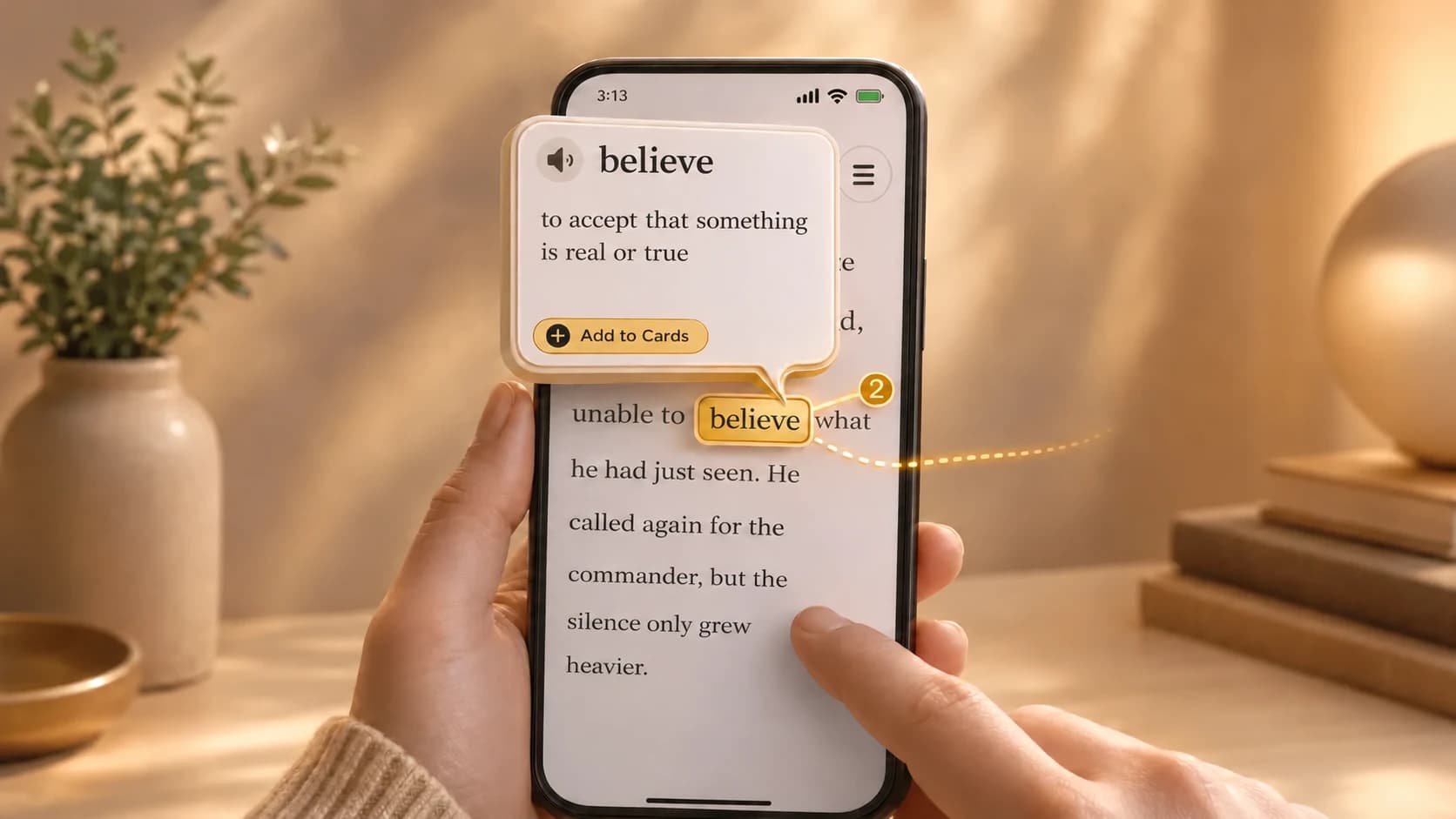
Add Write It Right: a Little Blacklist of Literary Faults to your Okuzeka library, open it in the reader, and tap difficult words while you read. Okuzeka shows meanings in the sentence you are reading, lets you save useful vocabulary as flashcards, and keeps the book available across web, iOS, and Android.
- Add the book to your library.
- Read normally and tap only the words that stop you.
- Save useful words as flashcards for later review.
Similar C1 books
Next step: C2 English books
Write It Right: a Little Blacklist of Literary Faults FAQ
Is Write It Right: a Little Blacklist of Literary Faults good for C1 English reading practice?
Write It Right: a Little Blacklist of Literary Faults can be used for C1 English reading because you can read the book in Okuzeka, check difficult words in context, and save vocabulary while staying inside the text.
Can I read Write It Right: a Little Blacklist of Literary Faults as an EPUB in Okuzeka?
Yes. Write It Right: a Little Blacklist of Literary Faults is available as an EPUB book in Okuzeka.
Which words appear most often in Write It Right: a Little Blacklist of Literary Faults?
The most frequent content words in the text of Write It Right: a Little Blacklist of Literary Faults are: word, use, means, good, used, man, better, see, sense, meaning. The book contains about 12,392 words in total, 2,841 of them unique. While reading in Okuzeka you can tap any of these words to see the meaning they have in that sentence.
How long does it take to read Write It Right: a Little Blacklist of Literary Faults?
Write It Right: a Little Blacklist of Literary Faults has about 12,392 words. At a reading speed of 150 to 250 words per minute, that is roughly 50–83 minutes of reading. This is an estimate: your own pace, and stopping to look up words, will change it.
Which formats is Write It Right: a Little Blacklist of Literary Faults available in?
Write It Right: a Little Blacklist of Literary Faults is available as EPUB and PDF. Reading it in the Okuzeka web reader, with tap-to-translate and flashcards, needs a free account.
How should I read Write It Right: a Little Blacklist of Literary Faults with Okuzeka?
Read normally first, tap only the words or phrases that stop you, and save the useful ones as flashcards. This keeps EPUB and PDF reading close to real book reading instead of constant dictionary switching.