Is this text right for my level?

Text Difficulty Checker

Choose your English level, paste a text and find out how much of it you probably know. The checker rates the text as comfortable, challenging or too hard for you, and lists the words above your level so you can learn them first.

  • Personal verdict for your level
  • Vocabulary and sentence difficulty
  • Words above your level
  • Free
Try a sample:
Not sure? Take the level test

Your text stays in your browser. We do not upload it to our servers or store it.

The 95% and 98% rule

How hard a text feels depends mostly on how many of its words you do not know. Studies of second-language readers found that adequate comprehension starts when a reader knows about 95% of the running words, one unknown word in every 20, and that reading becomes comfortable and enjoyable at about 98%, one unknown word in every 50 (Hu & Nation, 2000; Laufer & Ravenhorst-Kalovski, 2010).

The checker estimates that share for you: words at or below your level count as known, words above your level as probably unknown.

Known wordsVerdictBest use
98% or moreComfortableReading for pleasure and fluency. Pick these for extensive reading.
95–98%ChallengingLearning new words in context. Read with a tap-to-translate tool.
Under 95%Too hardStudy material, not reading practice. Pre-learn key words or choose an easier text.

How difficulty is measured

  • Vocabulary difficulty looks at the share of words above B1. Low means almost all words are everyday words; high means many advanced or rare words.
  • Sentence complexity is based on the average sentence length: under 12 words is low, 12–20 medium, over 20 high.
  • Reading ease is the Flesch Reading Ease score, from 0 (very hard) to 100 (very easy). It measures sentence and word length, not vocabulary, so it is shown for reference.
  • Estimated CEFR level combines vocabulary and sentence length, as in the CEFR text level checker.

Comfortable or challenging: which should you choose?

Both have a place. Extensive reading, reading a lot of comfortable text, builds speed and fluency and lets you meet known words again and again until they are automatic. Intensive reading of challenging text is where you meet most new words.

A good routine mixes the two: most of your reading time with comfortable books, plus shorter sessions with challenging texts where you look up and save new words. Graded books are an easy way to stay in the comfortable zone; you will find free English books for every level on Okuzeka.

How to read a text that is too hard

  1. Learn the key words first. The list under your result shows the words above your level, most frequent first.
  2. Read the text once for the general idea without stopping, then a second time for detail.
  3. Look up only the words that block your understanding, and look them up in context. A dictionary entry with ten meanings is slower and less helpful than the meaning in your sentence.
  4. Save the words you want to remember, with the sentence, and review them over the next days.

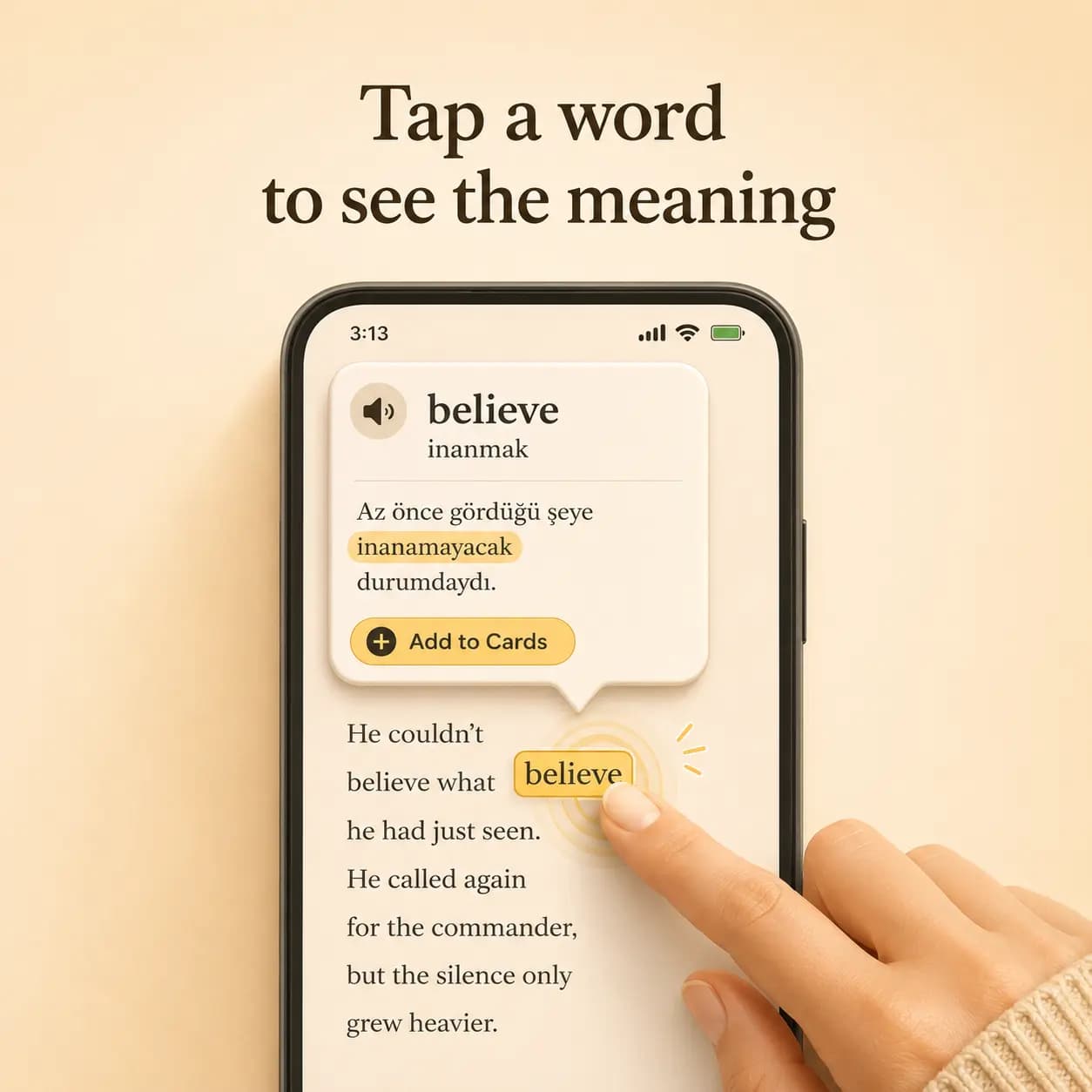
The Okuzeka reader does steps 3 and 4 for you: tap a word to see its meaning in that sentence, in your language, and save it as a flashcard.

Checking whole books

To check a book, paste two or three pages from different chapters rather than only the first page; openings are often harder or easier than the rest. If the result is challenging for you, the book is a good choice for reading with help. For a quick start, browse B1, B2 and C1 English books on Okuzeka, which are already sorted by level.
Read with Okuzeka

Make challenging texts readable

A text in the challenging zone is the best place to learn new words, if each unknown word takes one tap instead of a trip to the dictionary. That is what the Okuzeka reader does.

Okuzeka reader showing the meaning of a tapped word
Tap a word, see the meaningOkuzeka explains the word as it is used in that sentence, not a list of every dictionary meaning.
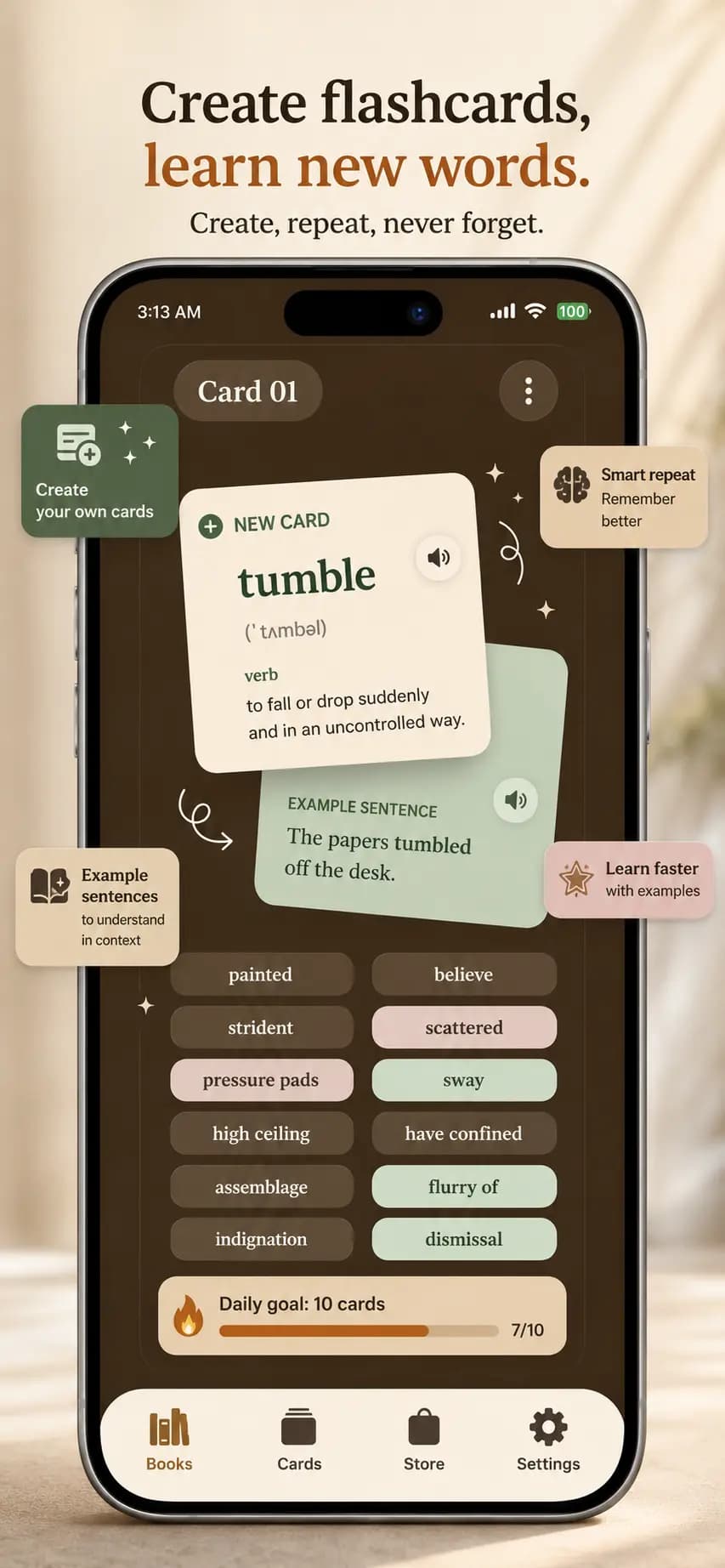
Okuzeka flashcards with an example sentence
Turn new words into flashcardsEvery word you save keeps its example sentence, so you review it in the context where you met it.
Choosing a translation language in Okuzeka
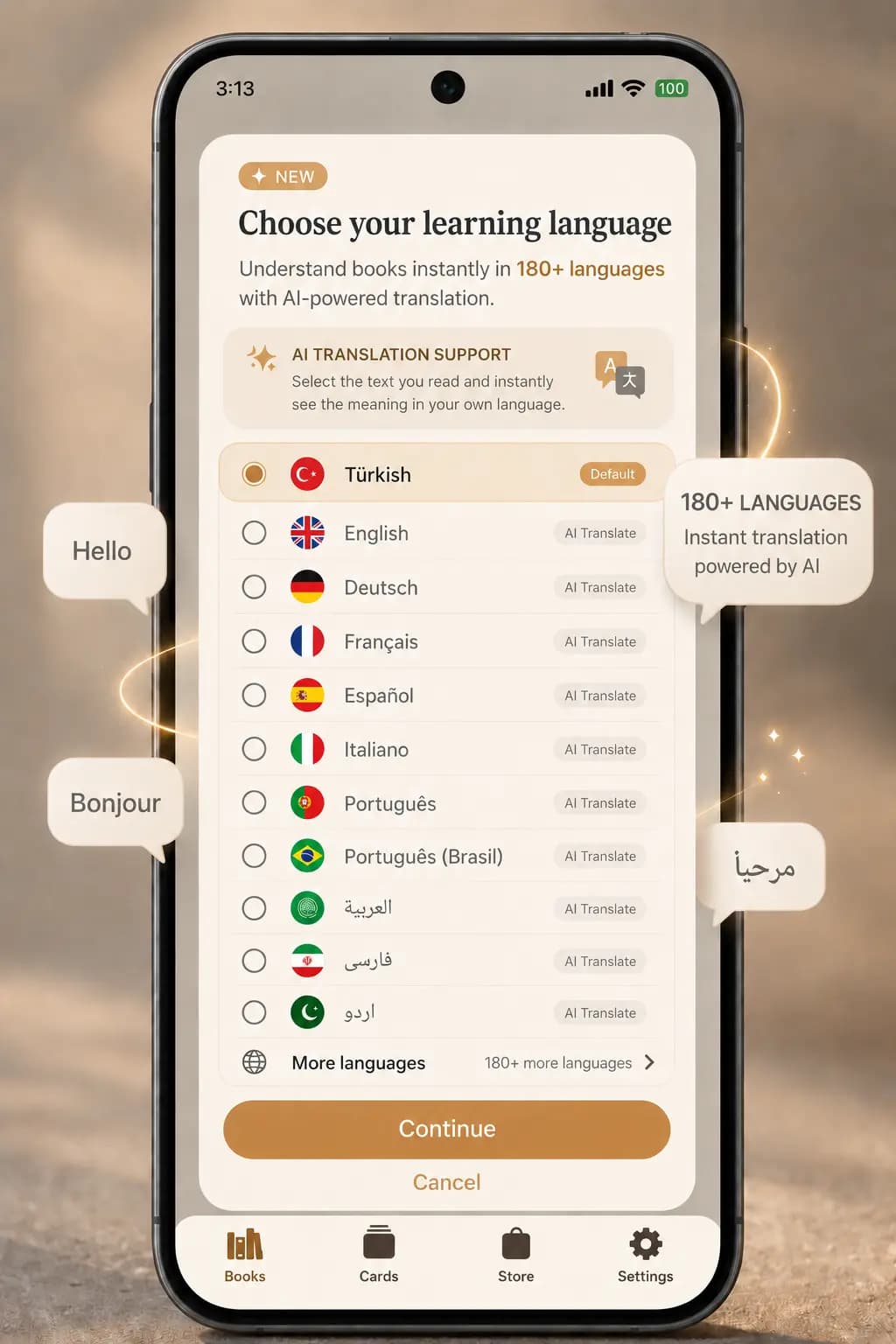
Explanations in 180+ languagesChoose your own language for meanings and translations, from Turkish and Spanish to Arabic and Japanese.
Adding your own PDF or EPUB books in Okuzeka
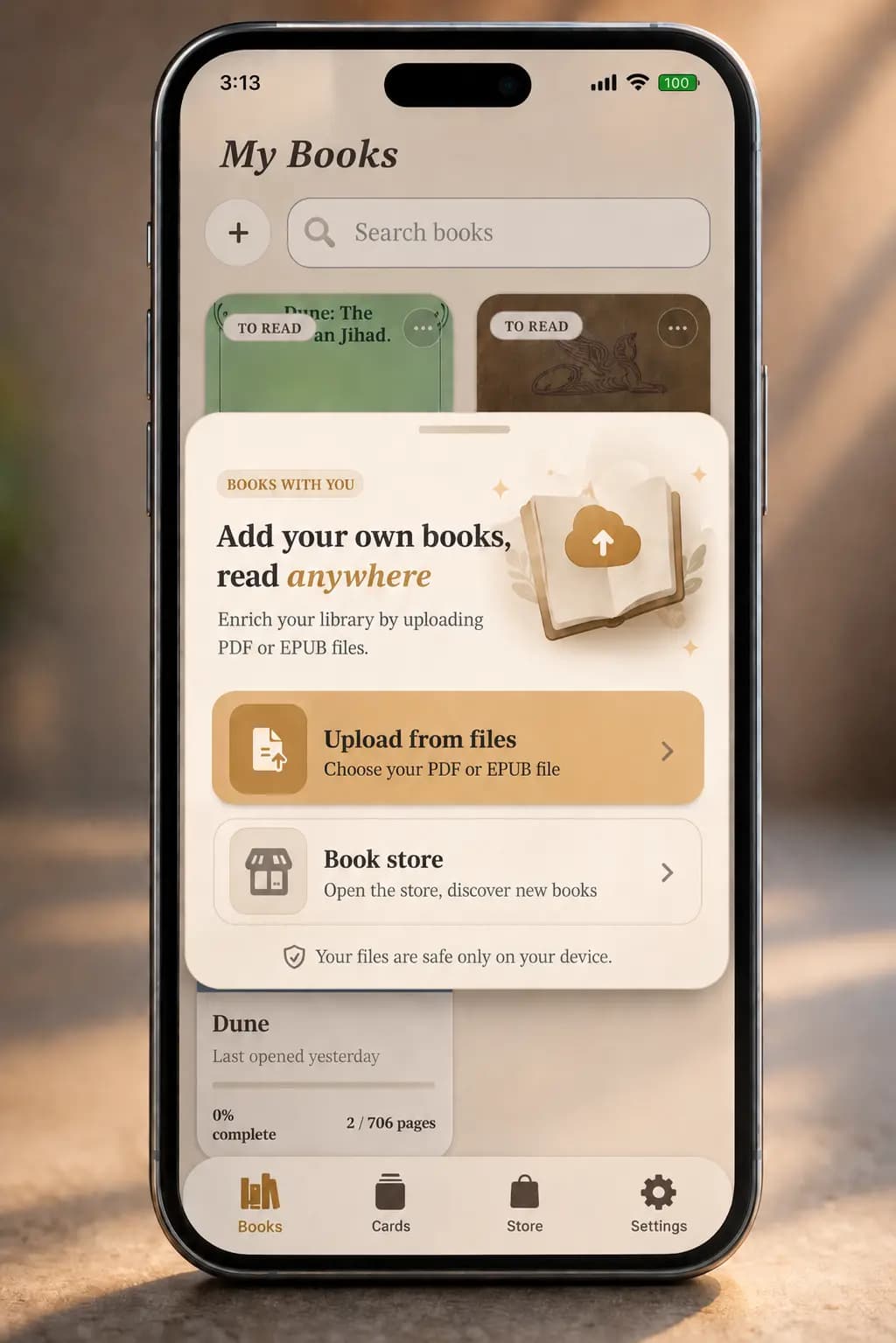
Free books or your own PDFsStart with free graded books from A1 to C2, or upload the PDF and EPUB files you already have.
FAQ

Frequently asked questions

How do I know if an English text is too hard for me?

Choose your level, paste the text and press Check difficulty. If you probably know less than 95% of its words, the text will be hard to follow without help. At 98% or more it will feel comfortable.

I don't know my level. What should I choose?

Take the free English level test or the vocabulary size test first. Both give you an estimated CEFR level in a few minutes.

Why is a text with short sentences still rated as hard?

Because vocabulary matters more than sentence length. A text with short sentences full of rare words is harder for a learner than one with longer sentences of everyday words.

Does the checker know which words I personally know?

No. It assumes you know the words at and below your level. In practice you will know some harder words and miss some easier ones, so the share is an estimate.

Is my text stored?

No. The check runs in your browser and your text is never uploaded.

Read at your level

Free English books from A1 to C2

Once you know your level, the next step is to read at it. Not sure of your level yet? Take the free English level test.

Sources and data
  • Hu, M. & Nation, I. S. P. (2000). Unknown vocabulary density and reading comprehension. Reading in a Foreign Language, 13(1).
  • Laufer, B. & Ravenhorst-Kalovski, G. C. (2010). Lexical threshold revisited. Reading in a Foreign Language, 22(1).
  • CEFR levels A1–B2: The CEFR-J Wordlist Version 1.5, compiled by Yukio Tono, Tokyo University of Foreign Studies.
  • CEFR levels C1–C2: Octanove Vocabulary Profile C1/C2 1.0 by Octanove Labs (CC BY-SA 4.0).
  • Word frequencies: wordfreq by Robyn Speer (CC BY-SA 4.0).