Inside the World Wide Web book summary
What connects computers around the world, and how is the Web different from the Internet? Nettikutti answers children’s questions with playful examples, then tells how the Web began at CERN. Roopa Pai’s complete original 2016 text and all 19 interior illustrations by Delwyn Remedios are preserved, including the note about Internet controls and original credits. The figures and examples belong to that edition. A separate editorial note dates them and clarifies email versus the Web and the earlier history of hypertext. This is historical introductory English reading, not an updated technology guide. B1 is an informal recommendation with vocabulary support; StoryWeaver Level 3 is a separate children’s reading scale, not CEFR certification.
Inside the World Wide Web at a glance
- Level
- B1
- Language
- English
- Pages
- 31
- Words
- about 2,553
- Unique words
- 679
- Estimated reading time
- 10–17 minutes
- Formats
- EPUB and PDF
Reading time is an estimate at 150–250 words per minute.
Why this book is useful for B1 English learners
Inside the World Wide Web is useful for B1 English learners because it gives you fuller paragraphs, more varied dialogue, wider vocabulary, and story details that ask you to read with attention. As a science text, it lets you meet vocabulary inside a real reading flow instead of memorizing isolated words.
Vocabulary difficulty
B1 vocabulary starts to include less common verbs, descriptive phrases, and sentence structures beyond beginner patterns. Across about 31 pages, Okuzeka helps you slow down only on the words or phrases that block understanding, so the difficulty becomes easier to manage without turning every paragraph into a translation exercise. This makes it a practical B1 vocabulary reading choice.
Recommended reading level
Best for learners who can read simple English and want to build stamina with real chapters. If you are looking for B1 English books, this page gives you the book format, page count, category, and reading tools before you add it to your library.
Most common words in Inside the World Wide Web
Inside the World Wide Web contains about 2,553 words, 679 of them unique. These content words appear most often in the text:
- internet×29
- page×26
- pratham×25
- books×24
- reserved×23
- rights×23
- delwyn×21
- license×21
- released×21
- remedios×21
- web×21
- world×19
How to read Inside the World Wide Web with Okuzeka
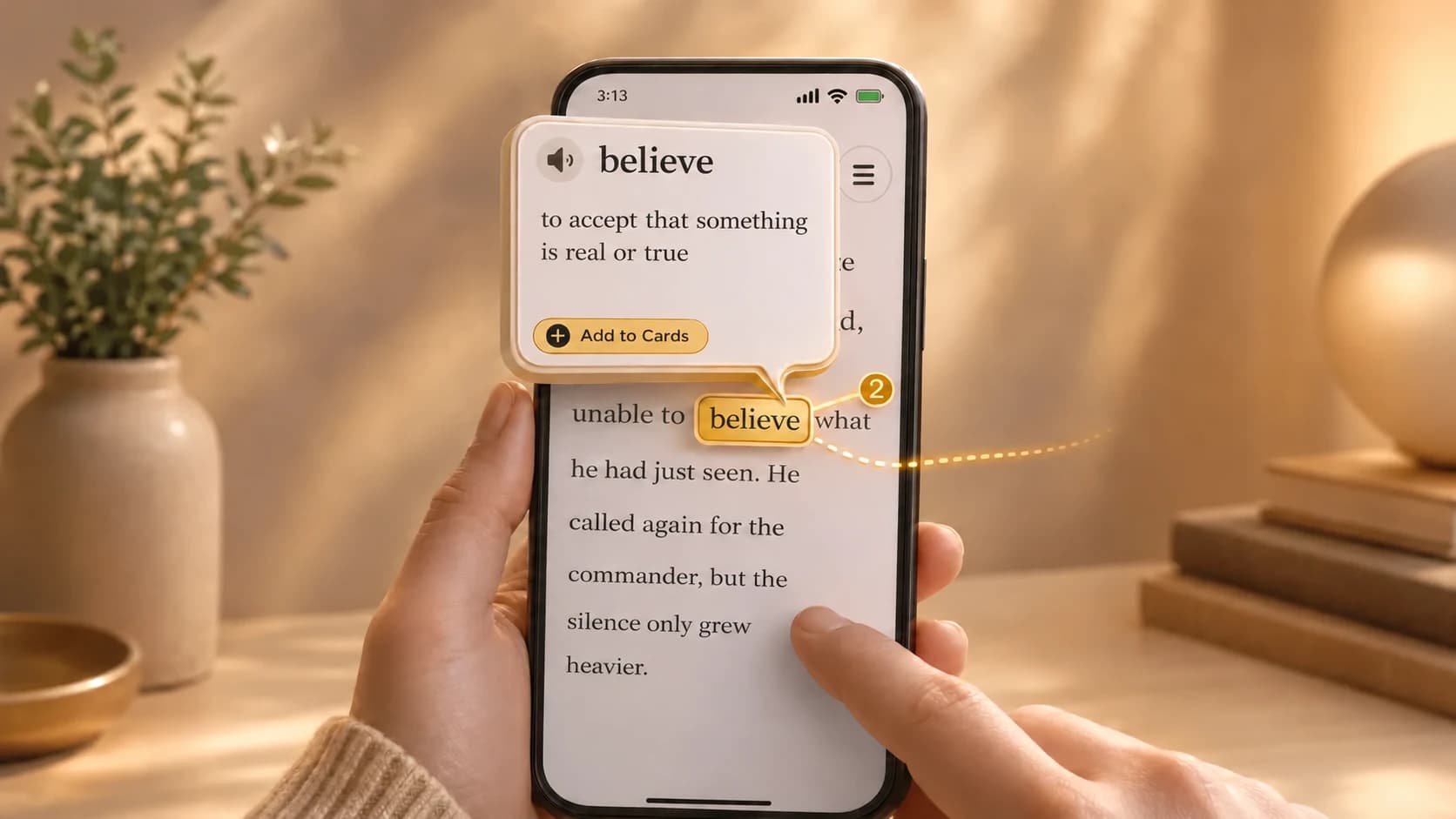
Add Inside the World Wide Web to your Okuzeka library, open it in the reader, and tap difficult words while you read. Okuzeka shows meanings in the sentence you are reading, lets you save useful vocabulary as flashcards, and keeps the book available across web, iOS, and Android.
- Add the book to your library.
- Read normally and tap only the words that stop you.
- Save useful words as flashcards for later review.
Similar B1 books
Next step: B2 English books
Inside the World Wide Web FAQ
Is Inside the World Wide Web good for B1 English reading practice?
Inside the World Wide Web can be used for B1 English reading because you can read the book in Okuzeka, check difficult words in context, and save vocabulary while staying inside the text.
Can I read Inside the World Wide Web as an EPUB in Okuzeka?
Yes. Inside the World Wide Web is available as an EPUB book in Okuzeka.
Which words appear most often in Inside the World Wide Web?
The most frequent content words in the text of Inside the World Wide Web are: internet, page, pratham, books, reserved, rights, delwyn, license, released, remedios. The book contains about 2,553 words in total, 679 of them unique. While reading in Okuzeka you can tap any of these words to see the meaning they have in that sentence.
How long does it take to read Inside the World Wide Web?
Inside the World Wide Web has about 2,553 words. At a reading speed of 150 to 250 words per minute, that is roughly 10–17 minutes of reading. This is an estimate: your own pace, and stopping to look up words, will change it.
Which formats is Inside the World Wide Web available in?
Inside the World Wide Web is available as EPUB and PDF. Reading it in the Okuzeka web reader, with tap-to-translate and flashcards, needs a free account.
How should I read Inside the World Wide Web with Okuzeka?
Read normally first, tap only the words or phrases that stop you, and save the useful ones as flashcards. This keeps EPUB and PDF reading close to real book reading instead of constant dictionary switching.