
Выберите текст
Если вы выбираете приложение для чтения на иностранном языке, сравните удобство работы со своими материалами.
Читайте с пониманием
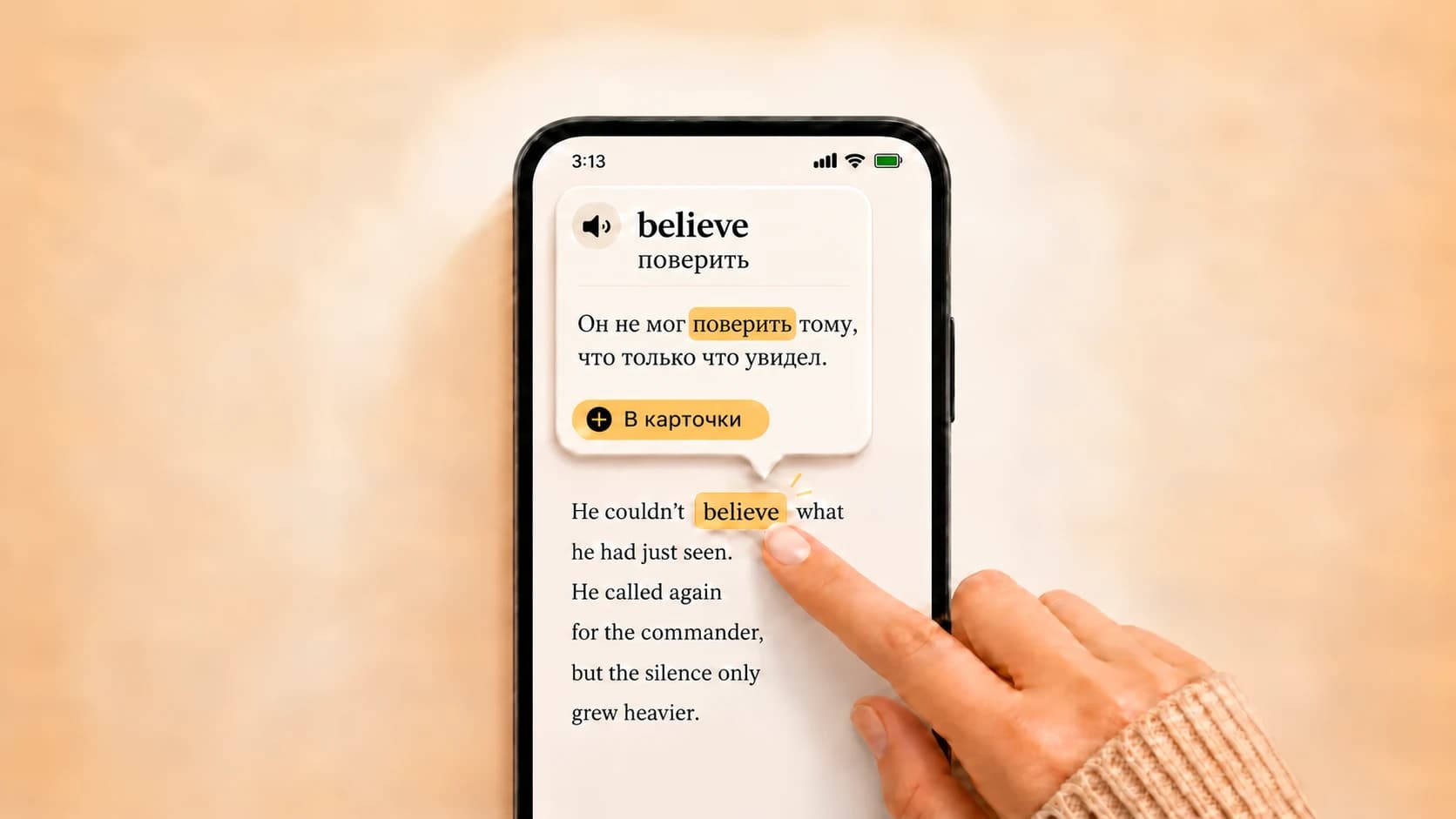
В Okuzeka можно загрузить PDF и EPUB, узнать значение слова по нажатию и сохранить его для повторения.
Закрепляйте новое
Проверьте актуальные тарифы и попробуйте бесплатный вариант. Выбор зависит от ваших привычек и задач.
Learn words while reading the web
With the Okuzeka Chrome extension, click a word in news, articles or blogs to see its meaning in context. Select a short phrase to explore it, and save useful words to the flashcards in your existing Okuzeka account. Available on desktop Chrome.

Why book readers choose Okuzeka as a LingQ alternative
Okuzeka concentrates its strongest features on one goal: helping you read, understand, and finish real books without breaking your flow.
| What to compare | LingQ | Okuzeka |
|---|---|---|
| Primary focus | A broad language-learning system organized around lessons, listening, imports, and vocabulary tracking. | A focused AI reading platform built around full books, personal PDFs and EPUBs, contextual help, and cards. |
| Your own material | Imports supported content into the LingQ lesson workflow. | Keeps your supported PDF and EPUB files as books in a personal library alongside Okuzeka catalog titles. |
| Vocabulary workflow | Tracks known and learning words within its wider learning system. | Turns the exact words you meet in books into personal cards connected to real reading context and practice mode. |
| Book reading experience | Presents content inside a lesson-oriented language-learning interface. | Provides a dedicated long-form book reader designed for novels, graded readers, ebooks, and study PDFs. |
| Context and phrases | Uses dictionary hints and repeated exposure across lesson content. | Uses sentence context to explain the selected meaning and can handle phrases, idioms, and phrasal verbs together. |
| Reader controls | Reader controls belong to the broader LingQ lesson experience. | Lets readers personalize theme, font, text size, and brightness while using page navigation, progress, and notes. |
| Mobile access | Offers mobile access as part of the LingQ learning ecosystem. | Carries the same book-first workflow across the web and native App Store and Google Play apps. |
| Reading languages | Supports multiple course and import languages. | Offers 180+ options and lets you choose the book language and explanation language independently. |
| Extra reading tools | Adds listening, tutoring, community, challenges, and learning statistics. | Combines contextual AI meanings, sentence translation, pronunciation, notes, cards, reader customization, catalog discovery, and a personal library. |
| Best fit | Learners whose routine is centered on lessons, audio input, community, and known-word statistics. | Readers who want to finish real books and PDFs with powerful help available exactly where a passage becomes difficult. |